About Wis
Wis was born from a real struggle frequently faced by office workers, especially those with high mobility or who frequently work in the field where the reimbursement process becomes a challenging routine, although the mechanism certainly varies depending on each company's policy.
Traditional expense reporting forces workers through an exhausting routine collecting loose paper receipts, sorting them by date, snapping individual photos, and manually logging everything into spreadsheets. Because of this high-friction process, daily tracking easily falls by the wayside, causing claims to backlog for months.
This situation not only burdens employees but also triggers reprimands from companies, as accumulated claims reaching massive amounts (up to 2 to 3 digits) heavily disrupt corporate cash flow. From this exact frustration, Wis emerges as a fast, clean, and drama free digital solution to cut down administrative friction through the philosophy of 'Scan. Save. Done.'
The Core Goals
Instant Efficiency: Bringing speed to daily expense documentation without the hassle of complicated manual processes.
Cash Flow Stability: Making it easier for employees to log expenses routinely every month, preventing large-scale claim backlogs at the end of the period.
Understanding the Users (Target Audience)
Before shaping the visual design, I took the time to understand the characteristics and daily routines of the people who need this solution the most.
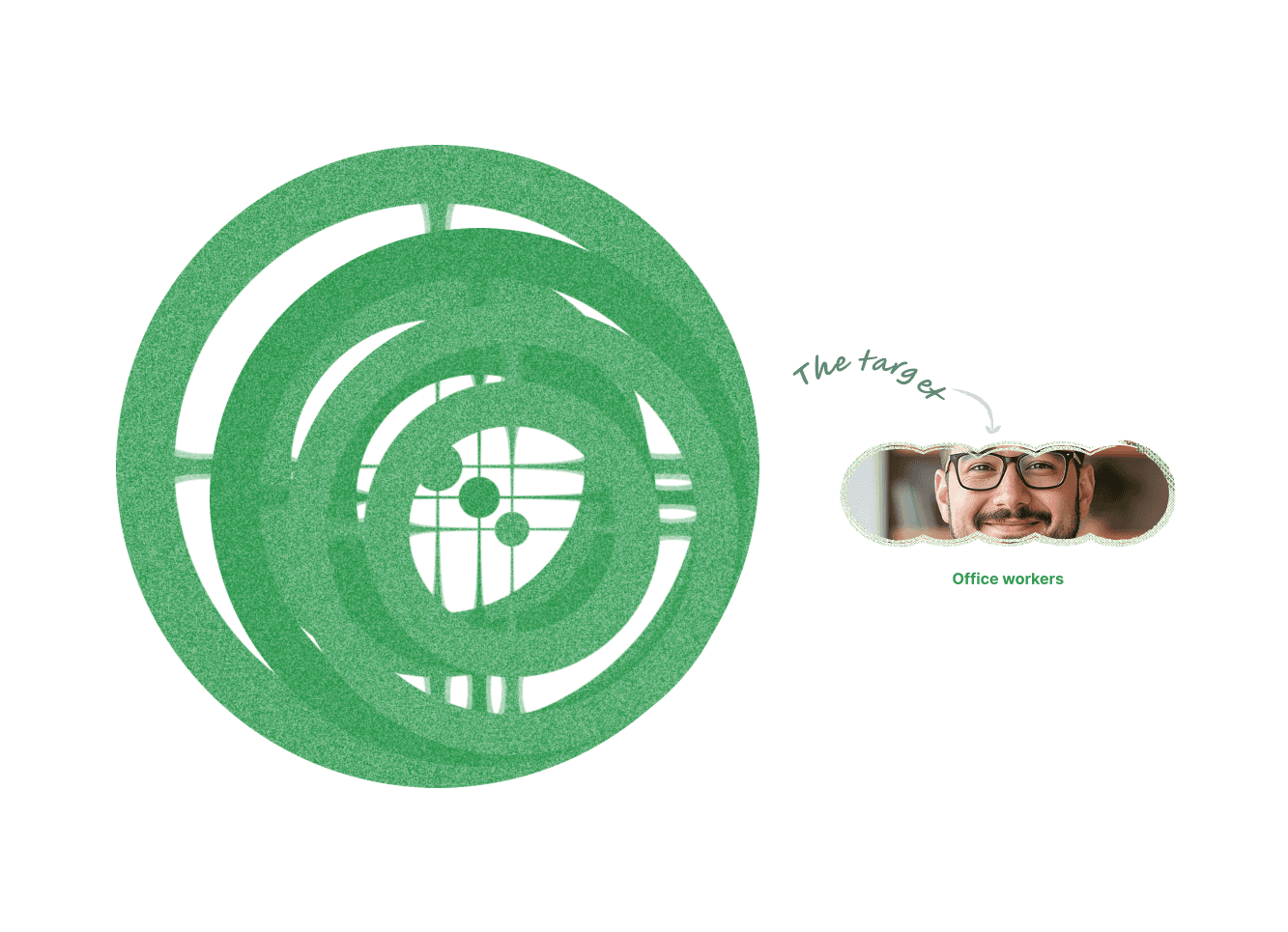
Who is the Primary Target? The primary focus of this solution is office workers who routinely file periodic expense claims. In this initial phase, the data export structure and templates are tailored to meet a uniform internal team's operational standards. Future iterations are planned to reach a broader segment (such as freelancers) and support flexible Excel template customization.
Key Challenges They Face:
Administrative Fatigue: Reluctance to log daily expenses due to a long, tedious input workflow.
Lost or Damaged Receipts: Physical paper receipts easily fade, crease, or get misplaced in wallets before they can be reported.
Company Policy Pressure: Reprimands from companies resulting from delayed claims stretching across months, risking corporate cash flow stability due to sharply spiking lump-sum amounts.

User Journey & Product Architecture
As a UX designer, my main focus was ensuring that every step from opening the app for the first time to having the report ready for download flows naturally and friction free.
Core Usage Flow:
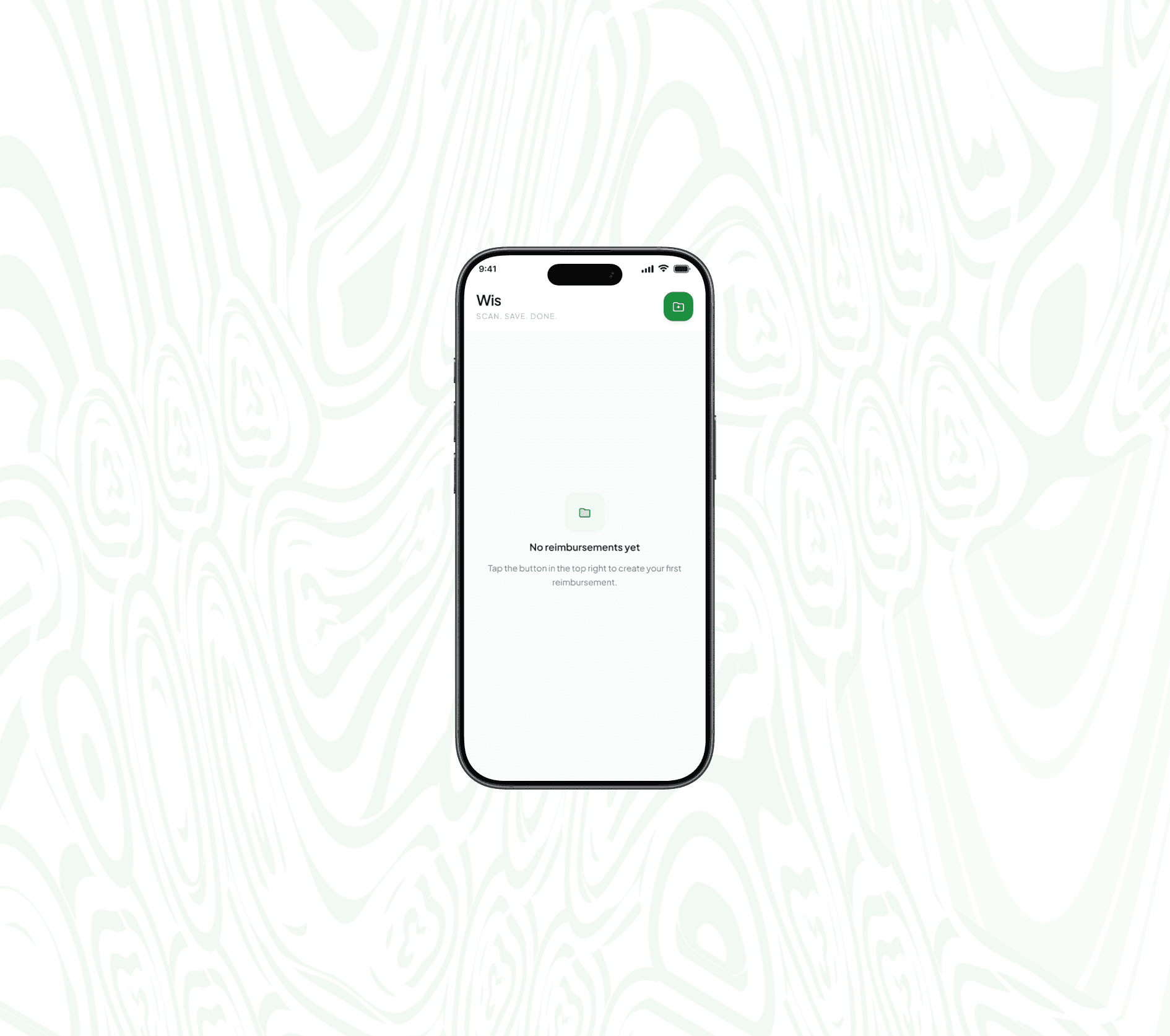
Empty State: Welcomes new users with a clean and calming interface.
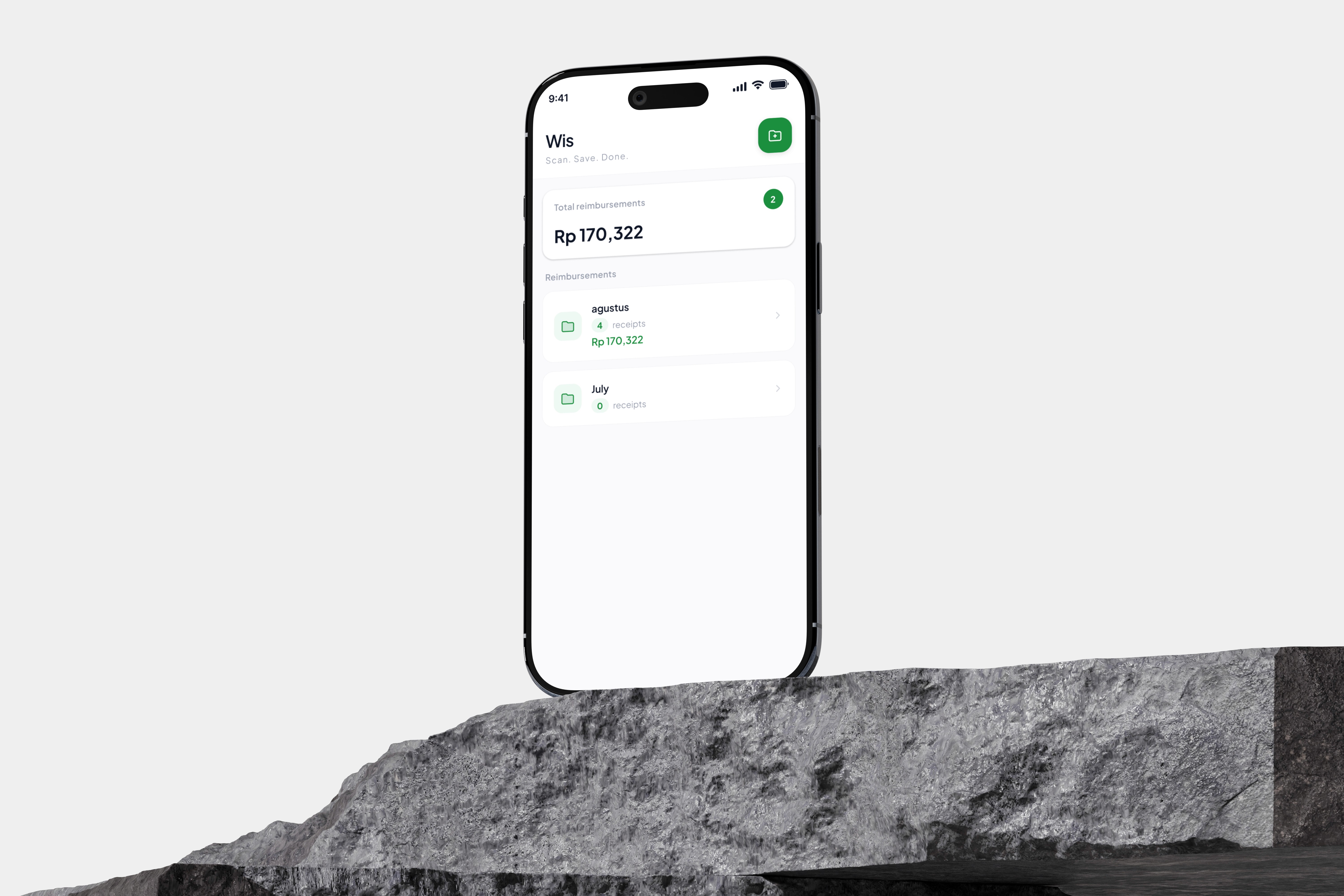
Monthly Expense Folder Creation: Structures expenses logically based on specific names and periods.
Instant Receipt Scanning: Equipped with quick review options (Retake or Delete).
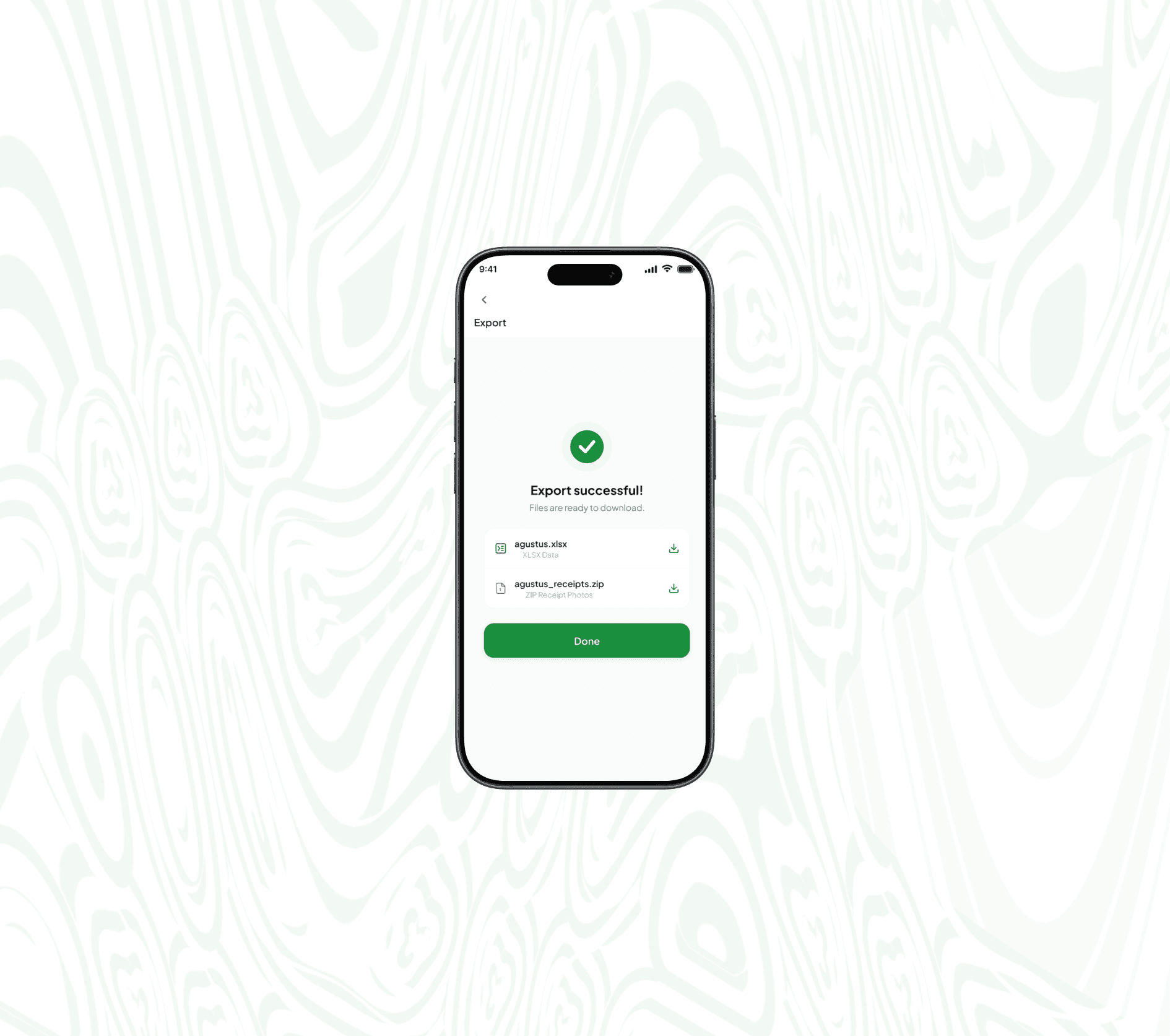
Automatic Total Calculation & Export: Concludes with a single tap to export data into an Excel format (.xlsx) and a photo archive (.zip).
Visual Foundation & Design System
Trust and comfort are the primary keys when designing a financial tracking application. Every visual element was crafted to reinforce that sense of reliability.
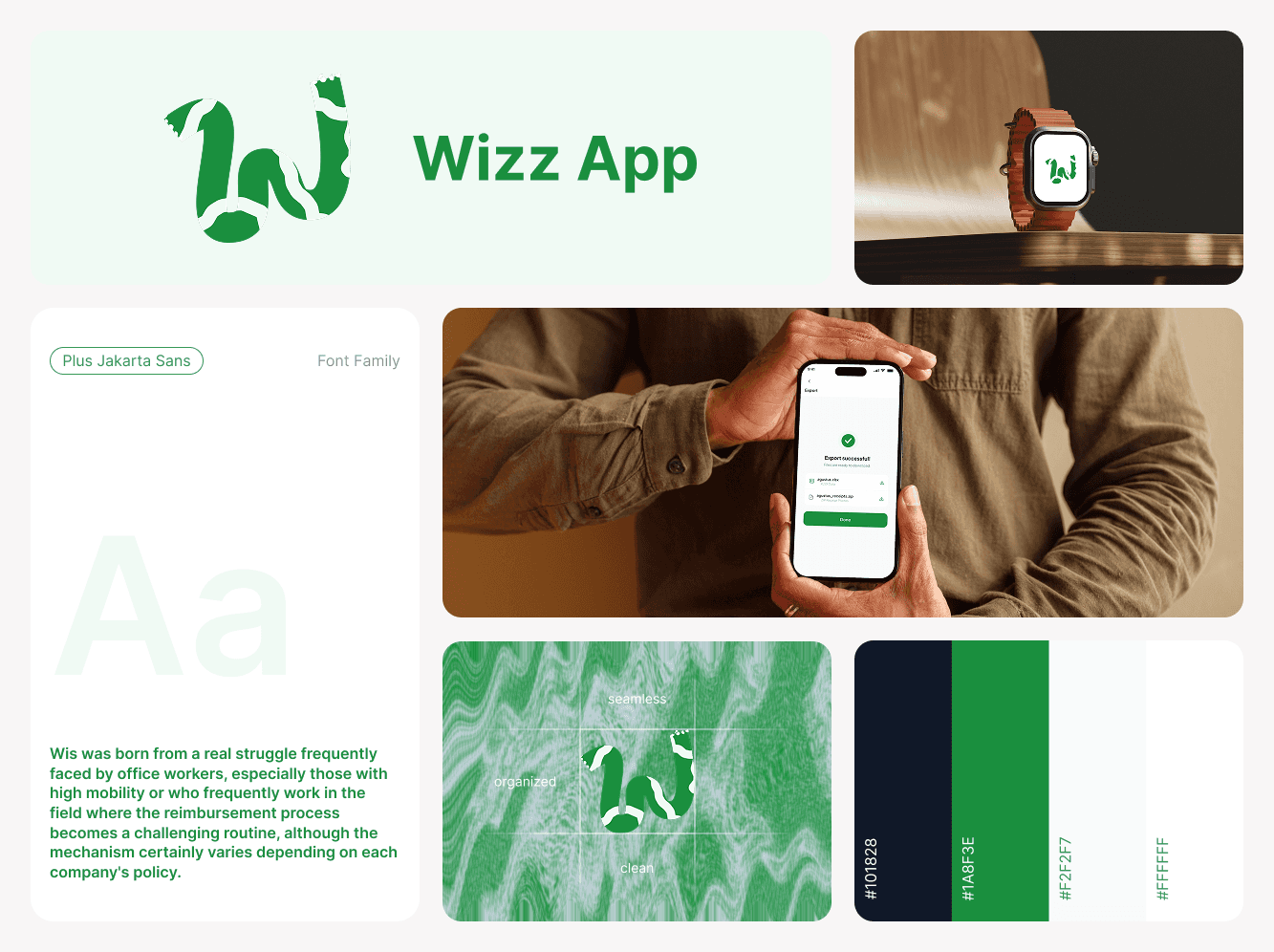
Logo & Visual Identity: The Wis logo features a stylized letter "W" formed from a continuous, segmented roll of thermal receipt paper. This visual metaphor directly reflects the product's core essence turning scattered, messy physical receipts into an organized, seamless, and clean digital workflow.
Color Palette & Aesthetic Touch: Utilizes a clean, modern off-white background paired with emerald green accents to create a sense of security, order, and relief.
Typography & Information Hierarchy: Employs a neat and proportional text hierarchy so that numerical amounts and date details can be caught at a glance without cognitive strain (low cognitive load).
Thumb-Friendly Experience: All primary buttons are designed with an appropriate size that is comfortable to reach with the thumb, especially for crucial features like scanning and report exporting.
Key Features & Design Solutions
Feature 1: Seamless Scanning & Monthly OrganizationThe
Challenge: Collecting a pile of receipts at the end of the month makes the process of verifying dates and amounts exhausting.
Solution: Users can create specific monthly categories (e.g., an "August" folder) and progressively snap receipt photos with every transaction. Each receipt features clear amount details, short notes, and dates, complete with easy options to retake the photo if it lacks clarity.
Feature 2: One-Tap Report Export
Challenge: Manually compiling expenses into Excel while attaching photos one by one for the finance department is a massive time waste.
Solution: Wis summarizes everything in one place. Users can instantly download consolidated reports in Excel format (.xlsx) alongside a compressed photo archive (.zip). The presence of an Export Successful indicator provides peace of mind that the report is ready to be sent to the office without any drama.
Reflections & Future Roadmap
Building Wis offered deep insights into crafting utilitarian products that stick:
The Importance of Minimizing Small Steps: Daily utility apps will only truly be relied upon if the number of taps to the core feature is kept as brief as possible, leaving users with no reason to procrastinate.
Empathy for Both Sides: Good design not only simplifies the personal affairs of its users but also indirectly helps maintain the financial health of the company they work for.
Version 2.0 Roadmap:
Expanding the user segment to a broader scope, such as freelancers or independent workers.
Introducing a Custom Excel Template feature so that users from various companies with different report formats can customize their own data layouts.
Bringing this interactive prototype to the usability testing stage to measure real users' daily adoption rates.
Design Artifacts